What Is Equipment Rental Software? A Complete Guide for Rental Businesses
What is equipment rental software? Learn what it does, who uses it, core features, spreadsheets vs software, how to choose, and what it costs.

Written by Rowan Ellsworth
Author
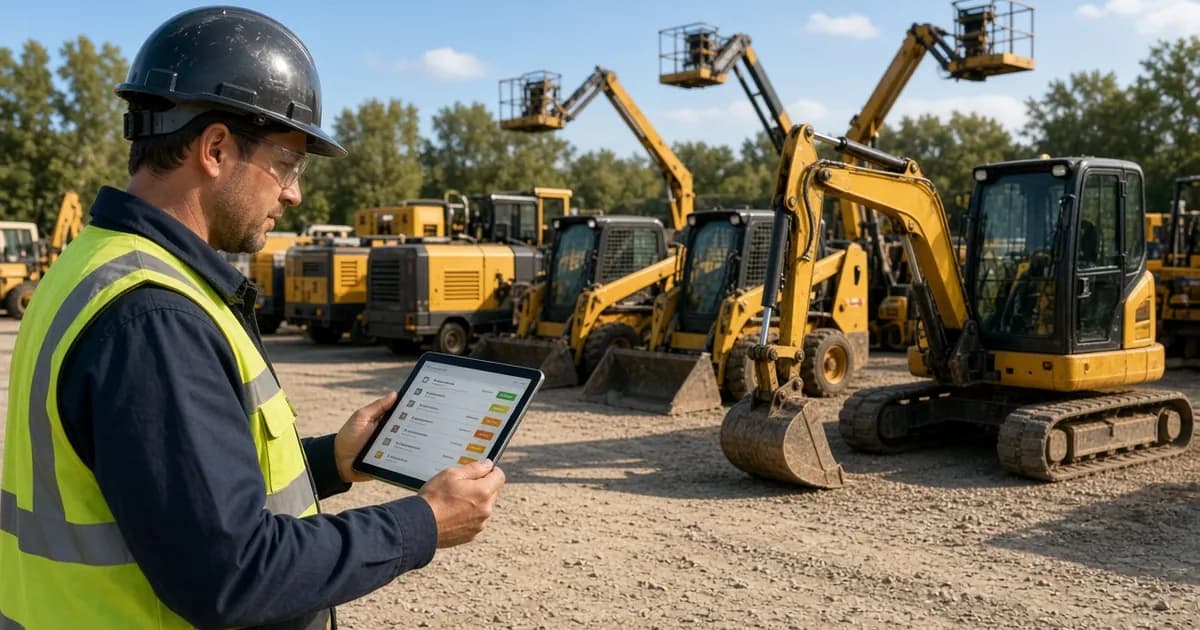
Rental yard staff member checking an equipment inventory list on a tablet in front of excavators, skid steers and boom lifts
Equipment rental software is a system that rental businesses use to track the equipment they rent out, take bookings against real-time availability, keep customer records, bill rentals, and keep machines maintained and ready for the next job. In short, it replaces spreadsheets, whiteboards, and paper rental slips with one place that shows what is available, what is out, who has it, when it is due back, and what needs service.
This guide explains what equipment rental software (sometimes called rental management software) does, who uses it, the core functions to expect, how it compares with spreadsheets, how to choose a system, and what it typically costs.
What equipment rental software does
At its core, equipment rental software manages the rental lifecycle of physical assets. A piece of equipment is added to inventory, reserved by a customer for specific dates, handed over, returned, checked, serviced if needed, and then made available again. Each step creates information your team needs: dates, customer details, condition, hours, invoices, and maintenance history.
Without a dedicated system, that information ends up scattered across a booking calendar, a spreadsheet of assets, a filing cabinet of contracts, and the memory of whoever was working the counter. Rental software brings it together so that every person on the team works from the same, current record.
Rental management software vs general inventory tools
General inventory or warehouse software is built for stock that is sold once and leaves the building. Rental inventory is different: the same machine goes out and comes back many times, its availability depends on dates, and its condition changes with every rental. Rental management software is designed around that loop of booking, handover, return, and service, rather than around stock levels alone.
Who uses equipment rental software?
Any business that rents out physical equipment for a period of time can benefit. Common examples include:
- Construction equipment rental companies renting excavators, skid steers, boom lifts, compressors, and generators to contractors.
- Tool rental shops and rental counters, including hardware stores that rent power tools and hand tools alongside retail.
- Party and event rental businesses that need a clear calendar of what is booked for each date.
- Small rental businesses moving off spreadsheets for the first time. If that sounds like your operation, we have a page on software for smaller rental shops that covers what to prioritize.
- Multi-location operations that need one view of equipment across branches.
The common thread is that the business earns money from time-based use of assets, and every booking has to be checked against what is already committed.
Core functions of equipment rental software
Systems differ, but most rental platforms are built around five areas.
1. Rental inventory and equipment records
Every machine, attachment, or tool gets its own record with details such as category, location, status, and service information. A good inventory view shows totals for what is available, rented, and in maintenance, and lets staff filter by category, location, or status. Our own approach to rental inventory management is built on one record per item with its status, location, and next service date.
2. Bookings, availability, and scheduling
This is where rental software earns its keep. When a customer asks for a boom lift next Tuesday, staff should be able to see immediately whether one is free. Look for:
- A calendar view (week or month) that shows reservations for each item.
- Real-time availability that updates as bookings are confirmed.
- Double-booking prevention, so a new booking is checked against what is already committed.
- Optionally, online booking so customers can reserve equipment without calling.
You can see how this works in practice on our page about booking and scheduling for rental equipment.
3. Customers and rental orders
Each booking should create a rental order tied to the customer, the equipment, and the rental dates. Customer records then hold each renter's bookings and orders in one place, which makes it faster to answer questions like "what does this contractor have out right now?" or "when is that generator due back?"
4. Invoicing and payments
Rental billing has its own quirks: rental duration, fees, taxes, and balances. Rental software should let you create an invoice directly from the rental order instead of re-typing details, and show whether each invoice is paid or pending. For a closer look, see how invoicing from rental orders can work.
5. Maintenance and service history
Rental equipment has to be safe and ready before it goes out again. Maintenance features typically include scheduled service with due dates, work orders for repairs, and a service history for each machine. For engine-driven equipment, recording engine hours on each record helps you see when service is coming up. If you want a practical starting point for checks, our heavy equipment inspection checklist covers pre-use, post-use, and periodic inspections.
Reporting
Finally, reporting turns daily activity into answers: which equipment is used most, what is sitting idle, and how the fleet is performing over time.
Benefits of using rental software
The benefits come from having one accurate record instead of several partial ones:
- Fewer double bookings. Availability is checked automatically instead of relying on someone remembering a handwritten note.
- Faster answers at the counter and on the phone. Staff can see status, dates, and customer details in one search.
- Cleaner billing. Invoices come from the same rental order as the booking, which reduces re-keying errors.
- Better-maintained equipment. Service due dates, work orders, and engine hours sit on the machine's record, so service is less likely to be missed.
- Clearer view of the fleet. You can see what is available, rented, or in maintenance at a glance, which helps with purchasing and planning.
- Less dependence on one person. When information lives in a shared system, the business does not stall when a key employee is away.
Spreadsheets vs equipment rental software
Many rental businesses start with spreadsheets, and for a handful of items that can work. The problems appear as the fleet, the team, or the number of bookings grows.
| Task | Spreadsheets and paper | Equipment rental software |
|---|---|---|
| Checking availability | Manual lookup; easy to miss overlapping dates | Real-time availability with double-booking checks |
| Recording a booking | Typed into a sheet or calendar by hand | Creates a rental order tied to customer and equipment |
| Customer history | Spread across files and inboxes | Bookings and orders kept on the customer record |
| Invoicing | Re-typed from the booking | Created from the rental order |
| Maintenance | Separate log, often out of date | Work orders and service history on each machine |
| Team access | One file, version conflicts | Shared system everyone uses |
A useful test: if two people regularly need to update the same spreadsheet at the same time, or if you have ever promised the same machine to two customers, it is probably time to move to dedicated software.
How to choose equipment rental software
Start with your own workflow rather than a feature list. Write down how a typical rental moves through your business, from enquiry to return, and note where things go wrong today. Then evaluate systems against these questions:
Does it fit how you rent?
Check that the system handles the type of equipment you rent and the way you track it. A construction fleet with engine-driven machines has different needs from a party rental business with a busy weekend calendar.
Is availability reliable?
Ask how the software prevents double bookings and whether online bookings use the same availability as bookings your staff enter.
Does billing come from the booking?
Look for invoicing that starts from the rental order, so prices, dates, and customer details are not re-entered.
How is maintenance handled?
Make sure you can schedule service, create work orders, and keep service history on each item. If you run engine-driven equipment, check that you can record engine hours.
Can it grow with you?
Consider how many users and locations you need now and in two years, and whether moving up a plan is straightforward.
Is pricing transparent?
Published pricing and a free trial make it much easier to evaluate a system before committing. Be wary of anything you cannot test with your own equipment and bookings.
How much does equipment rental software cost?
Pricing models vary by vendor, but most rental software is sold as a monthly subscription, often with tiers based on features, users, and locations.
For reference, our plans are:
- Starter: $39/month for small rental businesses, covering equipment inventory and real-time availability, bookings, customer management, rental orders, basic reporting, 2 users, and 1 location.
- Professional: $79/month, adding online booking, payments and invoicing, equipment maintenance, advanced reporting, 5 users, and priority support and chat.
- Business: $149/month for multi-location operations, with unlimited users and multiple locations.
Prices are per month in US dollars. You can compare everything side by side on our current plans and prices page.
Getting started
Moving to rental software does not have to be a big project. A practical order is: add your equipment first, then start taking new bookings in the system, then move invoicing and maintenance across once the team is comfortable.
Try it with your own equipment: start a 14-day free trial on the Starter or Professional plan, add a few machines, and take your first bookings before you decide.
Frequently Asked Questions
What is equipment rental software used for?
It is used to track rental equipment, take bookings against real-time availability, keep customer records and rental orders, create invoices, and manage maintenance, all in one system instead of spreadsheets and paper.
Is equipment rental software the same as rental management software?
The terms are often used interchangeably. Both describe software built around the rental cycle of booking, handover, return, and service, rather than around stock that is sold once.
How much does equipment rental software cost?
Most systems are monthly subscriptions. Our plans are Starter at $39/month, Professional at $79/month, and Business at $149/month, in US dollars.
Can small rental businesses use equipment rental software?
Yes. Small shops often benefit most because one shared system replaces spreadsheets and paper. Our Starter plan is designed for small rental businesses with 2 users and 1 location.
Is there a free trial?
Yes. The Starter and Professional plans start with a 14-day free trial. The Business plan starts with a demo.