
AV and production rental
AV Equipment Rental Software for Audio, Video, and Lighting Gear
 Written by Rowan EllsworthReviewed
AV equipment rental software that keeps every speaker, microphone, projector, and light on one booking calendar. See what is free for each event date, take bookings without double-booking your gear, and track repairs so damaged equipment never goes out twice.
Plans start at $39/month. Product screens show sample data for illustration.
What Is AV Equipment Rental Software?
AV equipment rental software is the system an audio, video, and lighting rental company uses to run its gear: which items it owns, which are booked for which dates, who the customer is, and what has been inspected or repaired. It replaces the mix of spreadsheets, shared calendars, and paper packing lists that most small AV shops start with.
AV gear has its own rhythm. Jobs span set-up, show, and strike days, the same few popular items are in demand every weekend, and small damage is easy to miss. The right software keeps those details in view so you can say yes to the right bookings with confidence.
Where AV Rental Businesses Lose Time and Gear
Most AV rental problems come from one cause: nobody can see, in one place, what is booked, what is back, and what is broken.
The same mixer promised to two shows
When availability lives in a spreadsheet or a shared calendar, it is easy to confirm a console for Saturday night without seeing it is still out on a Friday-to-Sunday job.
Damaged gear back on the shelf
A cracked cable end, a dead microphone capsule, or a projector lamp near the end of its life goes unnoticed if returns are not checked and written down.
Packages that live in someone's head
If the speaker package is only a habit, the stand or the power cable gets left off the order, and you find out on site.
Order details scattered everywhere
Dates in one place, customer details in another, and invoices somewhere else make it slow to answer a producer who calls to check an order.
What to Look For in AV Equipment Rental Software
Before you choose, check for:
- A record for every item, so each speaker, microphone, projector, and light set can be booked on its own
- Real-time availability by date, with double-booking prevention before you confirm an order
- A rental order for every booking, tied to the customer and the gear reserved
- Inspections when gear goes out and when it comes back, plus work orders for repairs
- Service history on each item, so you know what has been fixed
- Online booking, so clients can reserve gear outside business hours
- Invoices, payments, and security deposits tracked against each rental
- Published, monthly pricing with a plan small enough for a one-room rental shop
AV Rental Software Built Around Your Event Calendar
Equipment Rental Software keeps your gear, bookings, customers, invoices, and inspections in one system.
Availability by date, with conflicts flagged
Availability updates in real time as each booking is made. Before you confirm an order, you can see whether the console, the speakers, or the lighting set is already committed, and double-booking prevention flags the conflict before you say yes.
Reserve the whole span the gear is out, from load-out to return, so a Friday set-up and a Sunday strike are both on the calendar and a back-to-back job never catches you short.
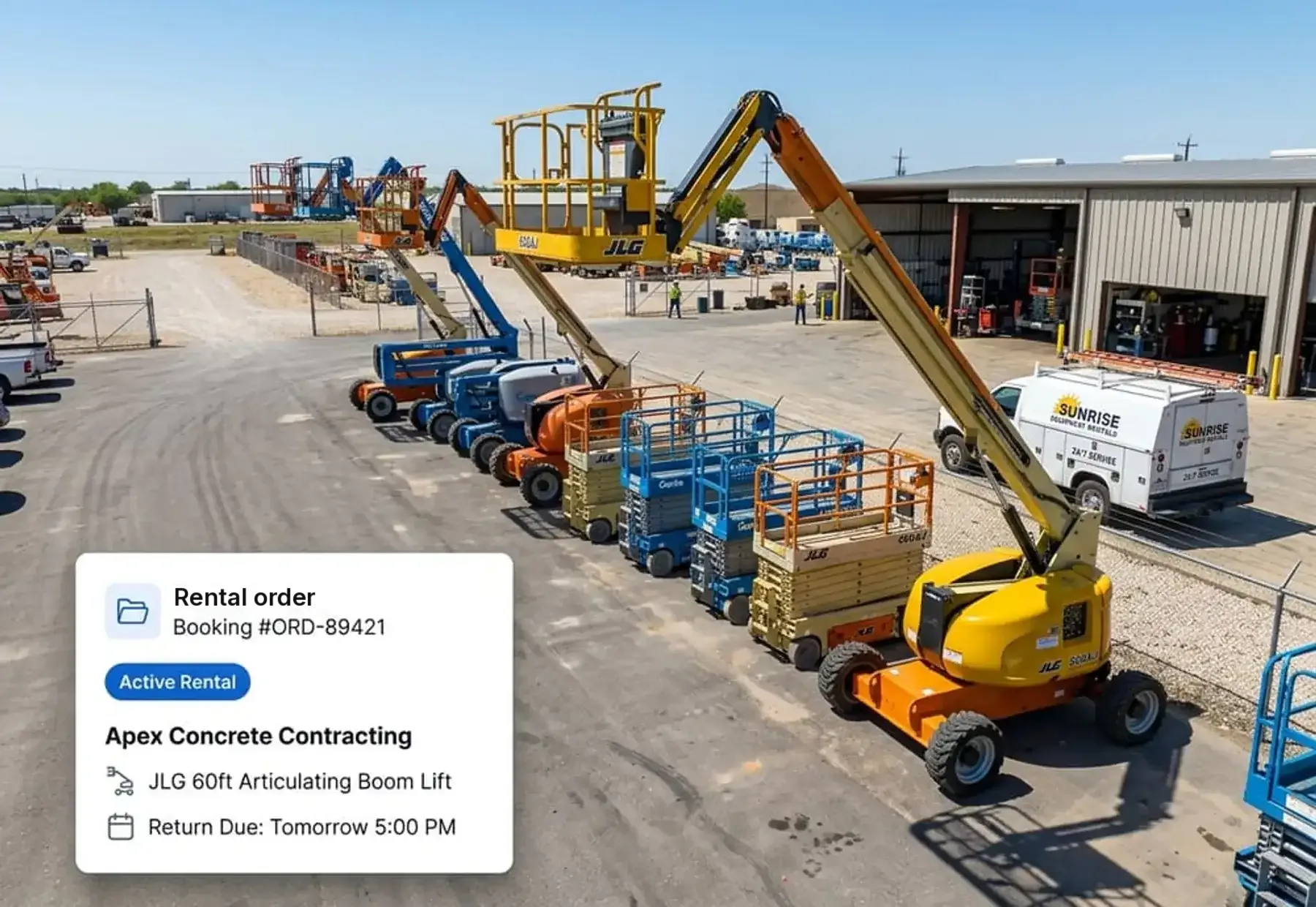
A record for every speaker, mic, projector, and light
Give each piece of gear its own record with details, location, and condition notes, and filter by category, location, or status to see what is available, rented, or in maintenance. Clear names make the right item easy to find when a client calls about a date.
Rental orders that list everything reserved
Every booking creates a rental order tied to the customer and the items reserved. Add each item in a package to the same order, and the dates, gear, and customer details are one search away when a producer calls the week before.
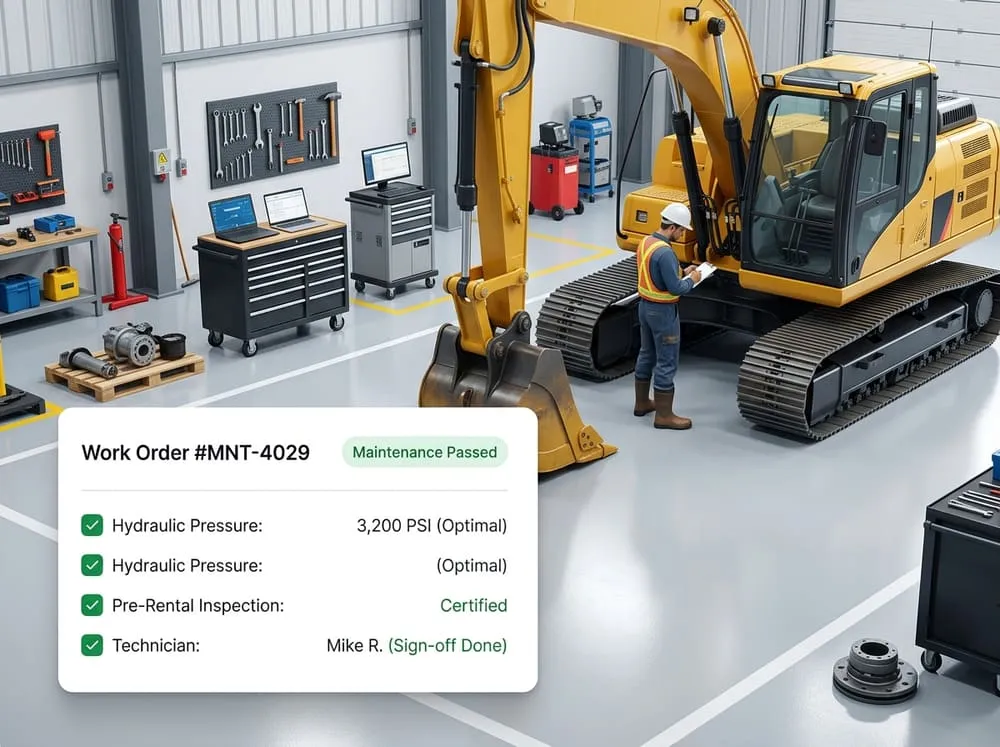
Inspections and work orders for gear that gets handled hard
On the Professional and Business plans, your team can record inspections when gear goes out and when it comes back, with who completed each one and when. If a cable, microphone, or projector needs repair, create a work order and keep the finished work in that item's service history.
If you rent generators for outdoor shows, engine hours can be tracked on the item record too.
Online booking for event planners and producers
On the Professional and Business plans, customers can reserve gear online without calling you. Online bookings use the same availability as orders your team takes, so the calendar stays accurate even when requests arrive after hours.
Deposits, invoices, and payments
On the Professional and Business plans, create invoices from rental orders, take payments, and track the security deposit on each rental. Each invoice shows items, duration, fees, tax, and total, with paid or pending status.
Setting Up AV Rental Packages
Most AV customers want a package, not a single item. Track each piece on its own and put the package together on the rental order.
Small speaker package
Two powered speakers, two stands, and the cables to run them. Book each as its own item on one order.
Conference package
A projector, a screen, and wireless microphones. Customers see one order, and you see each item and its status.
Lighting package
A set of LED par lights with stands and power cabling, booked together for the dates of the event.
Because each item has its own record, you also see which piece of a package is in maintenance, so you can swap in another before the event instead of discovering the problem on site.
Pricing AV Rentals by Day, Weekend, or Event
AV companies usually price in one of three ways: a per-day rate for each item, a weekend rate for a Friday-to-Monday hold, or a flat price per event for a full package. Pick the model that matches how your customers buy, and write it down so every order is priced the same way.
Whichever you use, the booking dates drive the price, so accurate dates matter. Because each rental order records the items and dates, and each invoice shows the duration, fees, tax, and total, the numbers you bill match what you booked. Invoicing is available on the Professional and Business plans.
How It Works for an AV Rental Business
- 1
Add your gear
Create a record for each speaker, microphone, projector, light set, and cable run.
- 2
Take bookings
Book from the phone or counter on any plan, and let clients book online on Professional and Business. Availability updates with every booking.
- 3
Invoice and take payment
Invoice from the rental order, take payments, and track the deposit and balance (Professional and Business).
- 4
Inspect and repair
Inspect gear when it comes back and open a work order if it needs repair before the next job (Professional and Business).
Which Plan Fits an AV Rental Business
| If you are... | Plan | What you get |
|---|---|---|
| Starting out or running a small AV rental shop, taking bookings by phone | Starter, $39/month | Inventory, real-time availability, bookings, customer management, rental orders, basic reporting, 2 users, email support |
| Taking online bookings, invoicing clients, and inspecting gear when it comes back | Professional, $79/month (recommended for most AV rental businesses) | Everything in Starter, plus online booking, payments and invoicing, equipment maintenance, advanced reporting, 5 users, priority support and chat |
| Growing a larger team that needs more seats | Business, $149/month | Everything in Professional, plus unlimited users |
Starter and Professional start with a 14-day free trial. Business starts with a demo.
Compare all plans and pricing →|Also rent event gear? See party rental software →
AV Equipment Rental Software FAQ
What is AV equipment rental software?
AV equipment rental software is a system that audio, video, and lighting rental companies use to track their gear, take bookings by date, and keep customer records and rental orders in one place. It shows which speakers, microphones, projectors, and lights are free for an event and which are already committed.
How do I avoid double-booking AV gear on busy event days?
Keep every reservation in one system where availability updates with each booking. Reserve the full span the gear is out, including set-up and return days, not only the day of the show. Double-booking prevention flags an item that is already committed before you confirm another order.
Can I rent AV gear as a package, like speakers, stands, and cables?
Yes. Give each speaker, stand, microphone, and cable its own item record, then add the pieces the customer needs to the same rental order. The order shows everything reserved for the event, so nothing is left off the truck.
Can I track repairs on rental audio, video, and lighting gear?
Yes, on the Professional and Business plans. Record an inspection when gear goes out and when it comes back, with who completed it and when. When something needs repair, create a work order and keep the finished work in the item's service history.
How much does AV equipment rental software cost?
Our plans are $39/month for Starter, $79/month for Professional, and $149/month for Business. Starter covers inventory, availability, bookings, customer records, and rental orders. Professional adds online booking, payments and invoicing, and maintenance. Prices are per month in US dollars.
Can customers book AV rentals online?
Yes, on the Professional and Business plans. Customers can reserve gear without calling your team, and online bookings use the same availability as the orders your staff enter, so your calendar stays accurate.
Is there a free trial?
Yes. The Starter and Professional plans start with a 14-day free trial. The Business plan starts with a demo.
Keep Every Show Fully Equipped
Start a 14-day free trial to set up your gear and booking calendar, or book a demo and we will walk through how it fits your AV rental business. Questions? Call (708) 562-1403 or email hello@equipmentrentalsoftware.io.